Every control module, not just the engine
A cheap scanner shows engine codes only. TORKO asks every module it knows for the car — ABS, airbags, climate, gateway — and sweeps the bus for the ones not on the list.

TORKO connects to an OBD2 adapter and, in a couple of minutes, reads the control modules that answer, their fault codes and — on most cars — the odometer from the modules that store it. Faults are explained in plain language and the whole history is kept against the car's VIN.
Android 8 or newer, iOS 16 or newer. A BLE or WiFi OBD2 adapter is required.
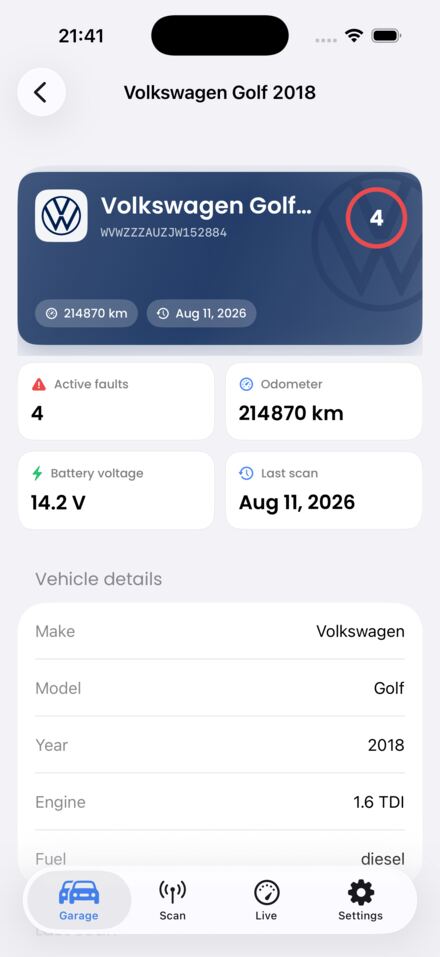
A cheap scanner shows engine codes only. TORKO asks every module it knows for the car — ABS, airbags, climate, gateway — and sweeps the bus for the ones not on the list.
Every code is explained in plain language: what happened, whether you can drive, likely causes and a realistic repair cost range. Ten AI explanations a month, free.
Every scan is stored against the car's VIN. If a fault was cleared before a sale and came back, you see it.
Mileage does not live only in the cluster. Where the car keeps it in several modules, we read each one. A spread between them is a strong sign worth checking, not proof by itself.
Not just the engine (Mode 04) but ABS, airbags and comfort modules too. Some modules refuse — often the gateway — and TORKO re-reads the car afterwards and shows which ones did.
RPM, temperature and voltage in real time. The report is something you can hand to a buyer or a workshop.
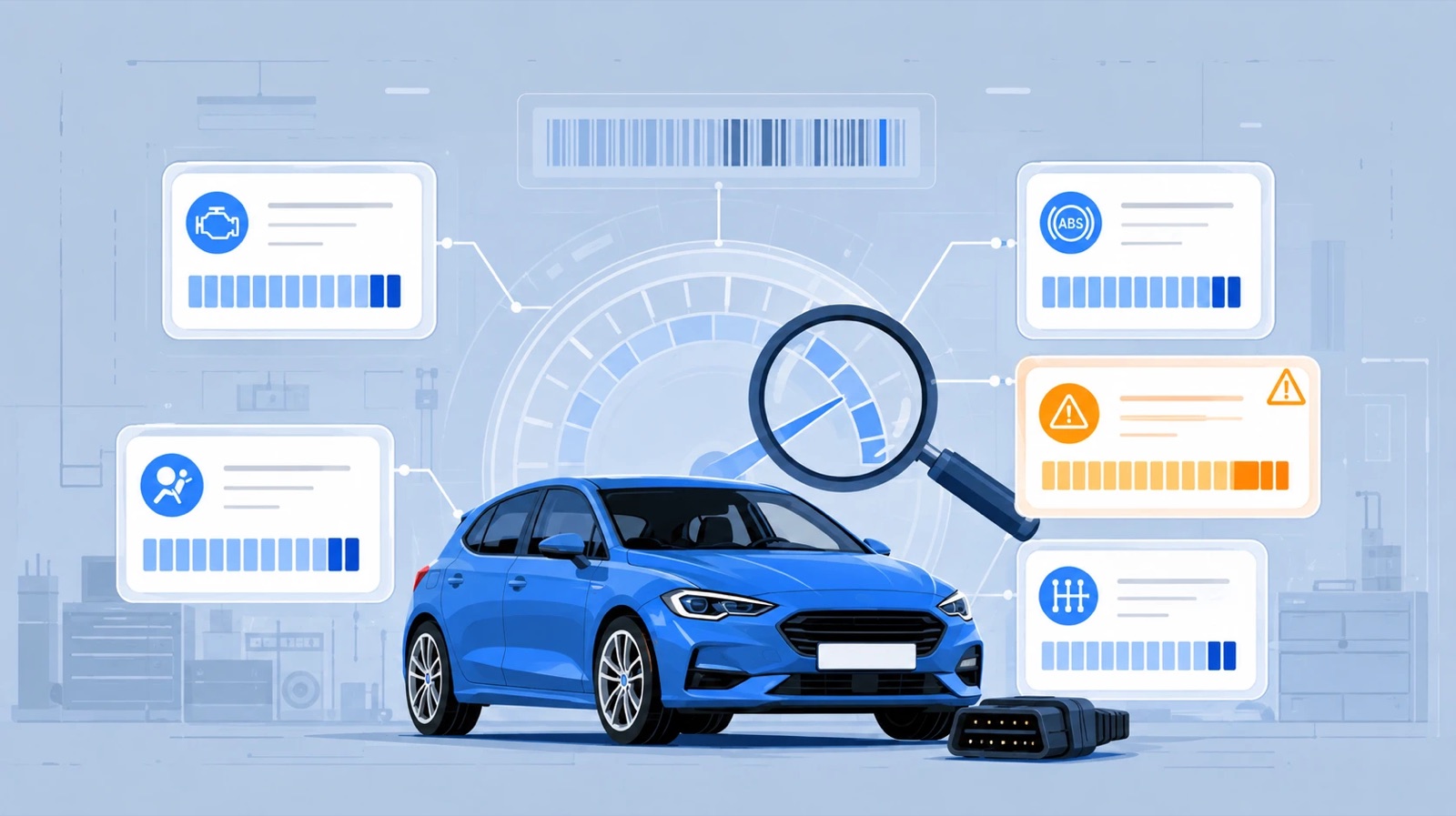
The scan asks each control unit in turn — engine, gearbox, ABS, airbags, camera, radar, gateway — and reads the VIN from each one that stores it. You see which modules answered and which stayed silent, so you can tell a partial scan from a clean car.
Put the OBD2 adapter in the socket under the wheel and switch the ignition on.
The scan starts automatically — nothing to press.
The modules that answer, their faults, the mileage where the car gives it, and the explanations — in a couple of minutes.
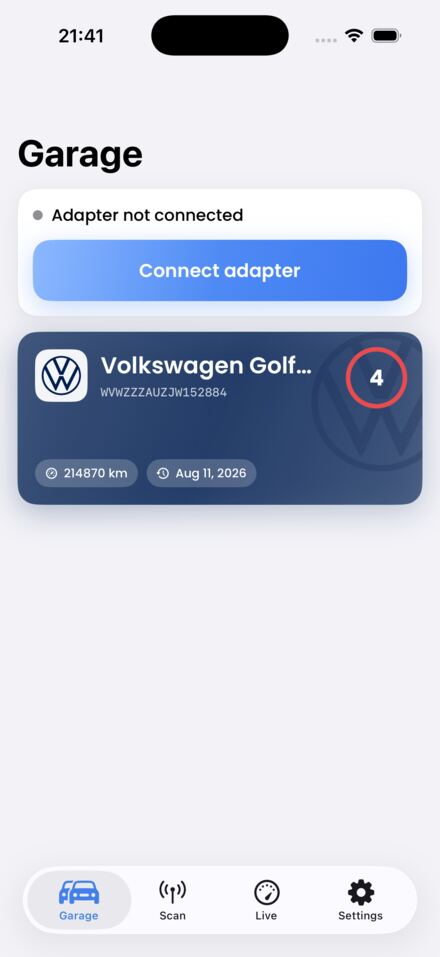
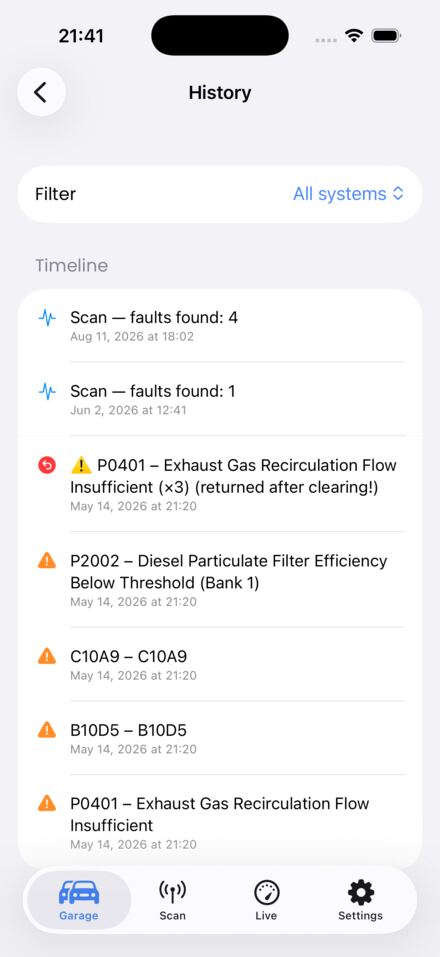
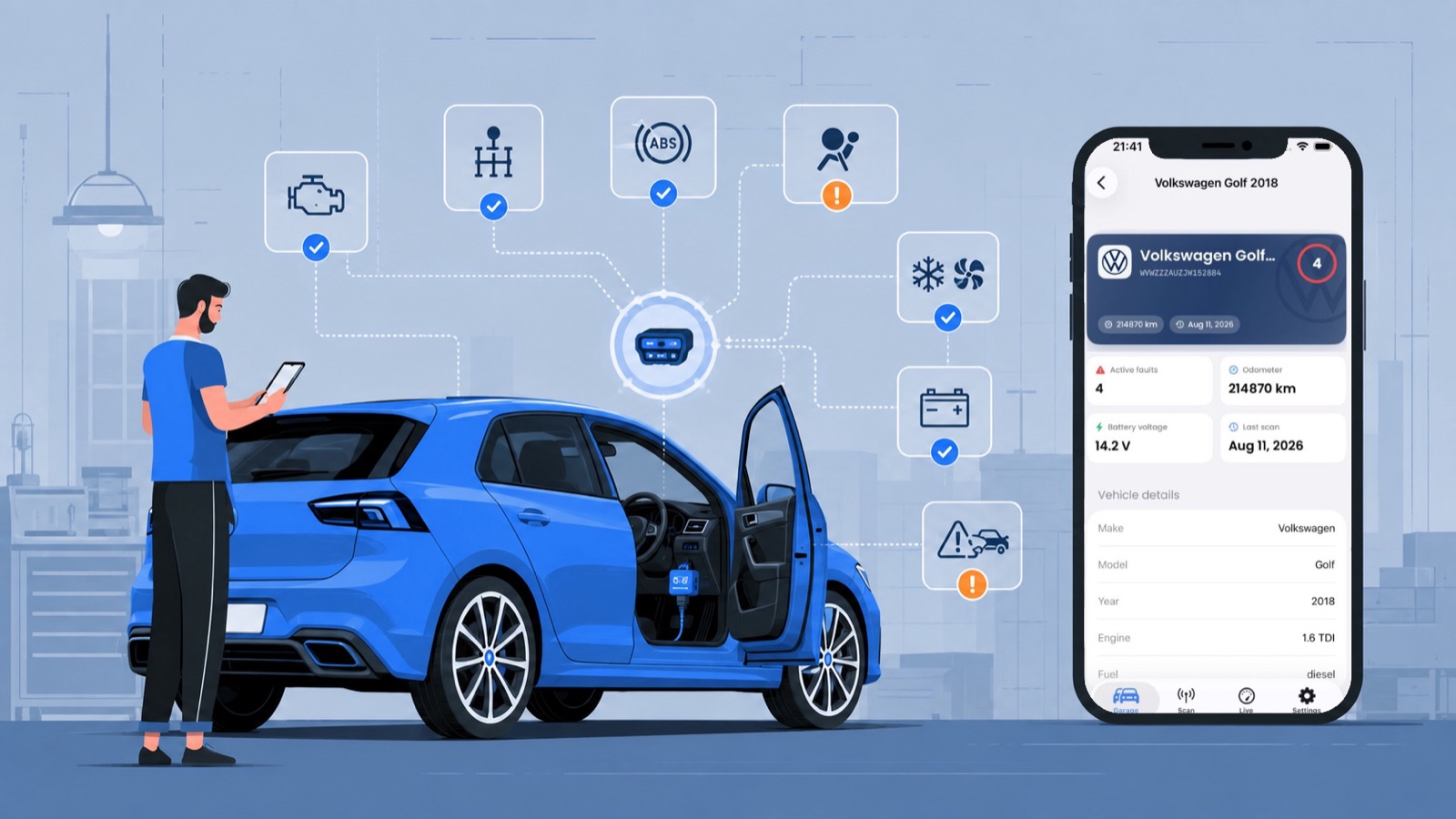
Plug the adapter in, switch the ignition on, and the app does the rest. The result is a screen you can hand to a buyer or a workshop, and a history that stays with the VIN for the life of the car.
Engine, transmission, ABS, airbags, emissions and battery each get a score out of 100, and the car gets an overall figure. Faults that came back after being cleared cost more points than fresh ones, because they are unresolved.
One screen before you hand over the money: VIN read from the car, stored and returned faults, mileage agreement across control modules, emissions self-tests, and a buying risk of low, medium or high.
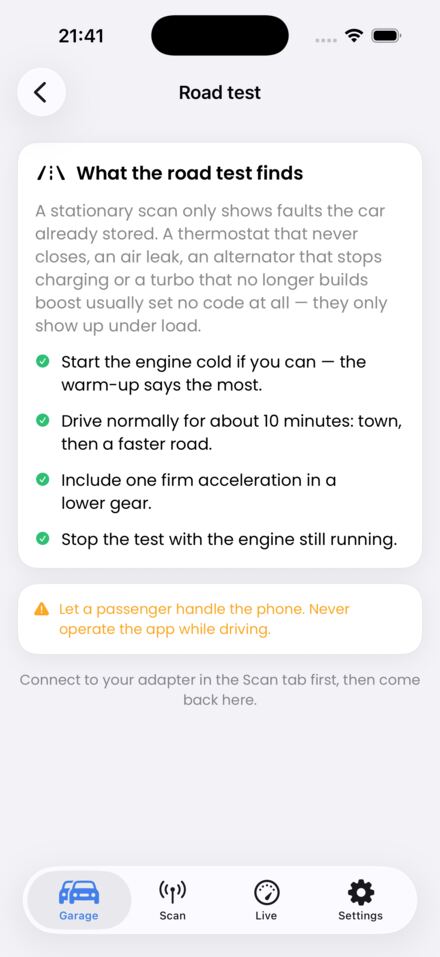
Drive normally for ten minutes while the app records everything the ECU reports. It then tells you if the thermostat never closed, the fuel trims are fighting an air leak, the alternator stops charging or the turbo no longer builds boost — none of which set a fault code.
Instead of "P0171 — system too lean", you get: fuel trims +24%, air flow 2.1 g/s, so 45% a vacuum leak, 25% a tired air flow sensor — and the single next test that separates them.
The car's emissions self-tests restart whenever the memory is erased. If several are still incomplete on a car for sale, you will know — worded carefully, because it is a signal, not an accusation.
Live l/100 km from the engine's own fuel rate (or air flow), with trip distance, litres burned and the average — plus 27 live parameters from fuel trims to oil temperature.
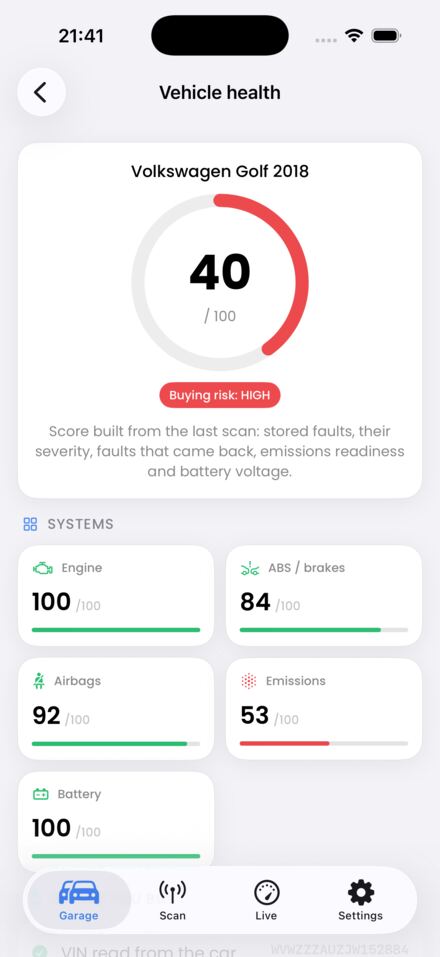
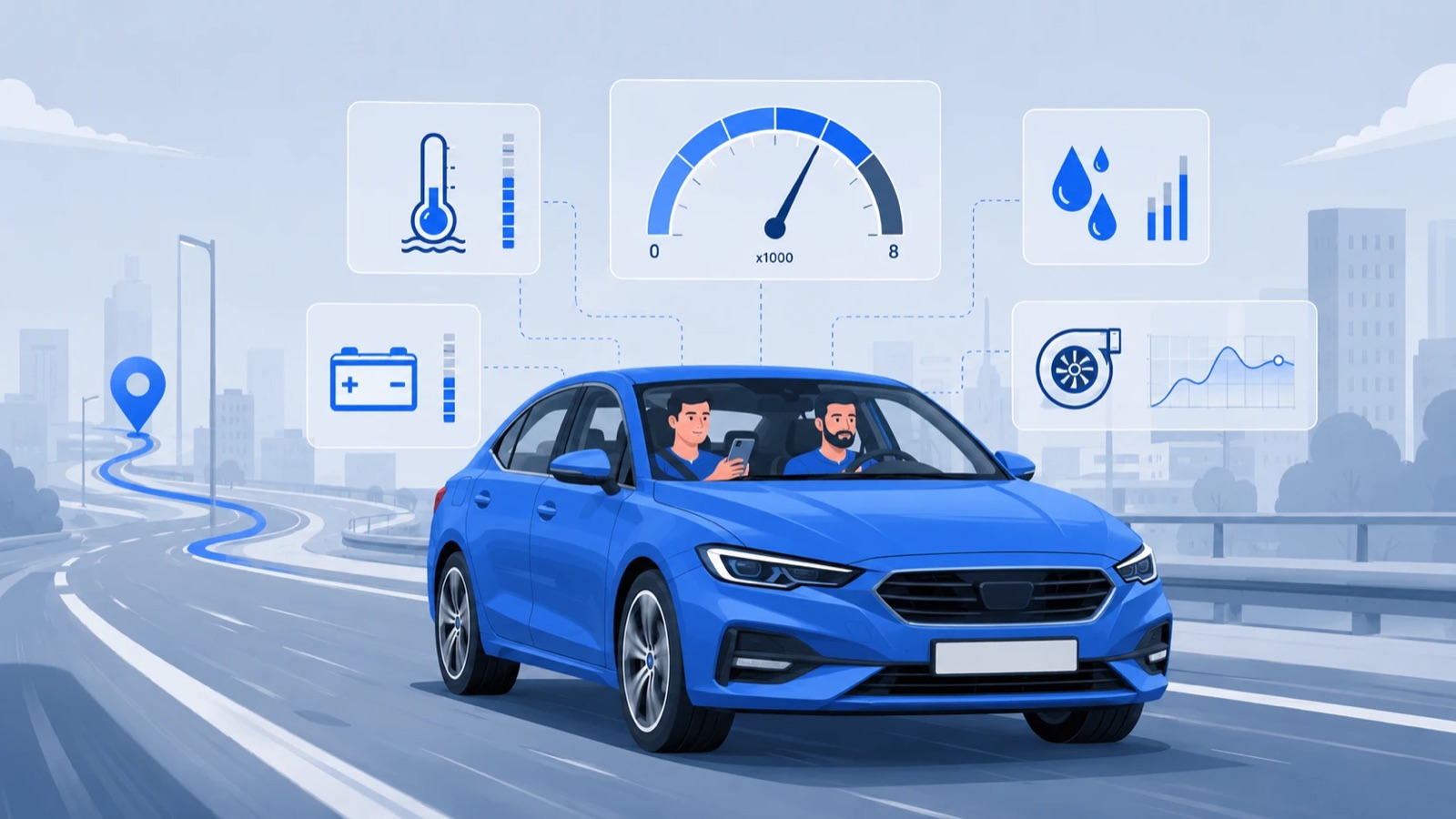
Ten minutes with the seller's car and an adapter tells you more than the advert ever will: what the modules are failing right now, what they only remember, whether the mileage agrees across the car, and whether the fault memory was wiped last week.
One document per VIN: what was read, from how many modules, the mileage every module reported, the airbag crash counters, the DPF state and the battery. It says what it could NOT reach as plainly as what it could.
A module keeps a fault log; a long log is not a broken car. TORKO reads the status byte the car answers with and separates what is failing at this moment from what the car merely wrote down — and says when no module is asking for a warning lamp.
Clear the memory and TORKO re-reads the modules afterwards, recording which faults went, which came straight back, and which the gateway refused to clear. A fault that returns in seconds was never repaired.
What the car was doing at the moment the fault was stored — mileage, temperature, load, speed — plus live graphs with a history buffer, so a value that spikes for half a second is still on screen.
Log repairs and services against the VIN. Where the car reports its mileage, the entry is marked as confirmed by the car; a figure you type in is not. It is the record that raises the price when you come to sell.
Every scan exports as CSV or JSON, a road test can be replayed step by step, and the tyre-pressure module is read wheel by wheel where the car has one.
Every feature above is free right now. An account is required so your car's history is stored against its VIN and reachable from any device.
Works with Bluetooth LE and WiFi ELM327-type adapters. STN-chip adapters are faster and more stable.

TORKO shows what the car itself reports. For registry data — accidents, mileage records, owners — check the VIN with carVertical: the VIN is pre-filled and our link gives you 20% off.
Check the VIN with carVertical →Partner link: 20% off for you, a commission for us.
A Bluetooth LE or WiFi ELM327-type adapter (OBDLink CX/MX+, Vgate vLinker, Veepeak BLE+). Classic Bluetooth (SPP) adapters do not work with iPhone, and locked devices (FIXD, Carly, OBDeleven) only work with their own apps.
Standard OBD2 works on every petrol car from 2001 and diesel from 2004 in the EU. The full multi-module scan is fully calibrated for the VW group (VW, Audi, Škoda, SEAT, Cupra) today; other makes are being added.
Yes. Every feature is free right now, and each user gets 10 AI explanations per month.
Yes — and not only the engine ones. But clearing does not repair anything: if the cause is still there the fault returns, and the history keeps a note that it was cleared.
So the diagnostic history is stored against the VIN and reachable from any device — that history is the most valuable part when buying or selling a car.
On newer VW group cars (2020+, MQB Evo) service reset and coding are locked by the factory SFD protection, which needs a manufacturer token. Reading is not locked: faults and live data work on these cars too, and mileage wherever the car's modules report it.
English, Lithuanian, German, Polish, Spanish, Portuguese (Brazil), Italian, French, Romanian, Ukrainian, Latvian, Estonian, Norwegian, Swedish and Finnish. It follows your phone's language and can be changed in Settings.
Yes — that is the point. Around ten minutes of normal driving, ideally from a cold start, with one firm acceleration. Let a passenger handle the phone; never operate the app while driving.